

Have you ever opened your Facebook app hoping to browse some local listings or find a piece of used camera gear, only to realize that the familiar storefront icon is completely gone? You are not the only one. For many users, the Marketplace tab simply vanishes without warning. This can happen for a variety of reasons, ranging from a simple software glitch to specific account restrictions or app updates that alter your navigation layout.
The good news is that most of these issues can be resolved with a few simple troubleshooting steps. If you are looking for a comprehensive resource to help you fix missing Facebook Marketplace tabs, following a systematic checklist is often the best approach to narrow down the underlying cause. Instead of randomly changing settings, let’s explore exactly what to check on your device and account to restore your access.
Disclaimer: Please note that the following information is provided for general informational purposes only and does not constitute professional technical support. Software interfaces and app policies change frequently, so always refer to official Meta support channels for the most current guidance regarding your specific account status.
Immediate Device and App Checks
Before diving into complex account settings, it is crucial to rule out the most common hardware and software hiccups. Often, the app simply fails to load certain modules due to cached data errors or outdated software versions.
First, force close the Facebook application entirely. Swiping the app away from your recent apps list and reopening it can refresh the interface and prompt the tab to reappear. If that does not work, check your device’s app store for pending updates. Social media platforms frequently roll out updates that patch bugs, and running an older version of the software is a very common reason for missing features.
Additionally, take a moment to clear the application cache if you are using an Android device, or offload the app if you are on iOS. Clearing out temporary files forces the app to pull fresh data from the server, which can easily resolve graphical bugs causing the tab to hide.
Reviewing Your Shortcut Bar Settings
Facebook allows users to customize their navigation bar, and it is entirely possible that the Marketplace shortcut was accidentally removed or hidden by the algorithm due to infrequent use. The platform often adjusts your shortcuts based on the features you interact with most frequently.
To check this, navigate to your Facebook settings and look for the “Shortcuts” or “Shortcut Bar” menu. In this section, you will see a list of available tabs, including Profile, Groups, Video, and Marketplace. If Marketplace is set to “Hidden,” simply change it to “Pinned” or “Auto.” Once you save these changes, restart the app to see if the icon has returned to your main screen. If the option is entirely missing from this menu, the issue likely stems from an account restriction rather than a display preference.
Account Age, Region, and Verification Factors
If you have just created a new Facebook account, you will not have immediate access to the Marketplace. To protect users from spam and fraudulent activity, the platform restricts commerce features for brand-new accounts. There is no exact published timeline, but users typically need to wait several weeks or months and actively use their account before the feature unlocks.
Geographic location also plays a significant role. Marketplace is not available in every country around the world. If you are traveling internationally to a region where the feature is unsupported, the icon will disappear from your app until you return home. Furthermore, age restrictions apply; you must be at least 18 years old to access Facebook’s commerce features. Ensure your profile’s date of birth is accurate.
Community Standards and Restrictions
One of the more serious reasons for losing access is a violation of Facebook’s Commerce Policies or Community Standards. If you have previously listed items that go against their guidelines—such as certain types of services, animals, or prohibited physical goods—your access to the platform may have been revoked.
You can verify if this is the case by accessing the app menu and looking for the Support Inbox or Account Status section. If your access was restricted, there is usually a notification explaining the violation. In many cases, if you believe the ban was a mistake, you can request a review directly through that notification. Keep in mind that review times vary, and you will need to wait for their automated systems or support team to process the appeal.
Step-by-Step Troubleshooting Checklist
To make the process easier, here is a quick checklist to run through when you are trying to restore your access:
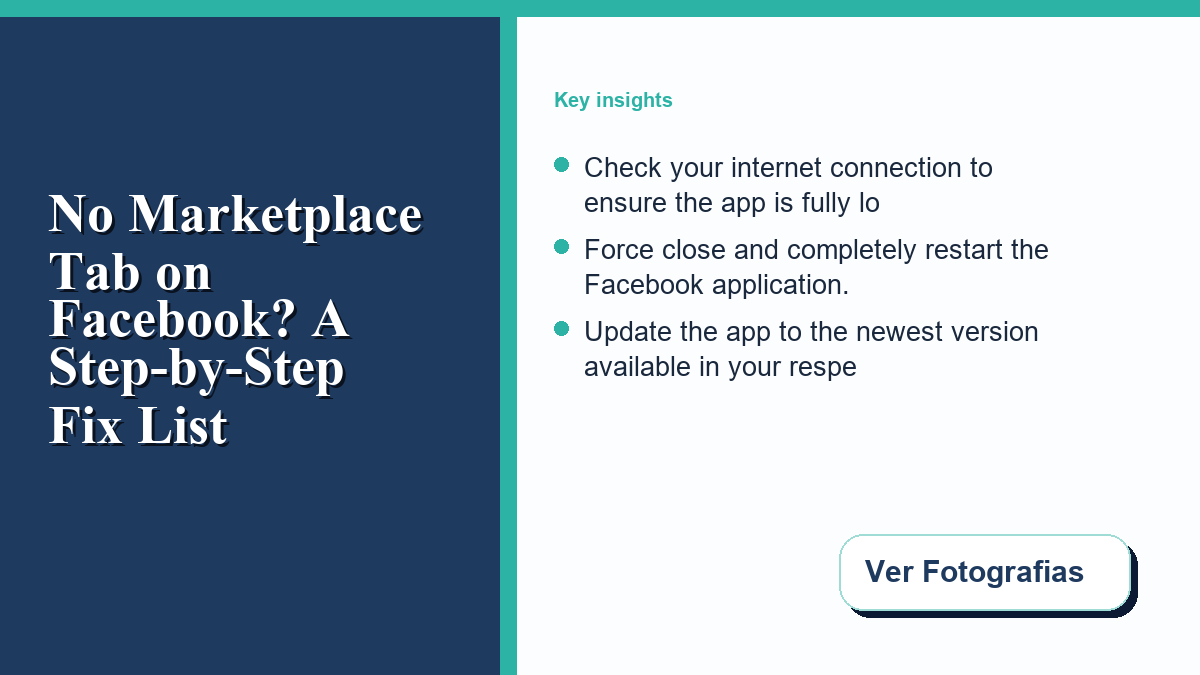
- Check your internet connection to ensure the app is fully loading.
- Force close and completely restart the Facebook application.
- Update the app to the newest version available in your respective app store.
- Navigate to your Settings & Privacy menu and review your Shortcut Bar preferences.
- Log out of your account, wait a few minutes, and log back in.
- Verify that you are over 18 years old and located in a supported country.
- Check your Support Inbox for any policy violation notices or account restrictions.
- Try accessing the platform via a desktop web browser to see if the issue is strictly mobile.
Frequently Asked Questions
Why did my Marketplace tab disappear overnight?
Sudden disappearances are usually caused by automatic background app updates, temporary server outages on Facebook’s end, or traveling to an unsupported region. If it vanished overnight, a simple app restart or waiting a few hours often resolves the issue.
Can I still view listings if I don’t have the tab?
Yes, in many cases, you can still access listings if a friend sends you a direct link to an item. You might also be able to search for specific items using the main search bar, though you will lack the full browsing interface.
Will creating a new account help?
No, creating a new account will likely delay your access further. New accounts are routinely restricted from commerce features to prevent spam, so it is better to troubleshoot your existing profile than to start over from scratch.
By systematically working through these steps, you can identify whether the problem lies with your device software or your account standing. Stay patient, keep your app updated, and always adhere to community guidelines to maintain uninterrupted access to your favorite features.

0 Comments